A pocket studio for your channel · macOS
Your crew.Your call.
Kiju is a Mac app to write, cast, shoot and cut a channel with AI, on your own keys. The crew proposes; nothing moves until you keep it — and every paid button tells you the price first.
Opens a draft in your mail app. Nothing leaves until you press Send.
Mac app · No Kiju account · Your own API keys · English and French
The visit
Five takes land. You keep one.
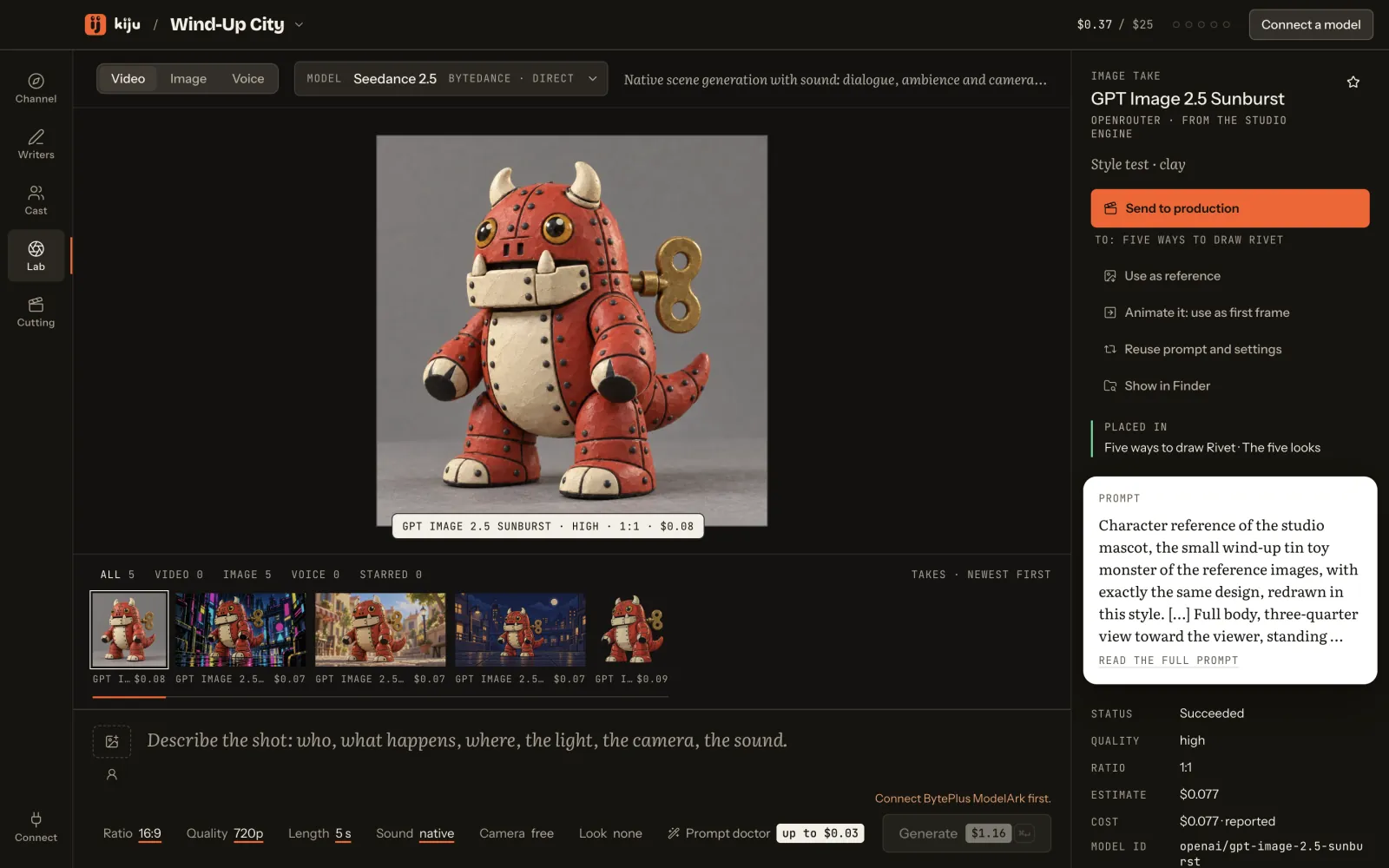
A run the studio recorded on September 26: one character, five styles. Press Generate and the takes land as they did that day — then keep the one you would keep.




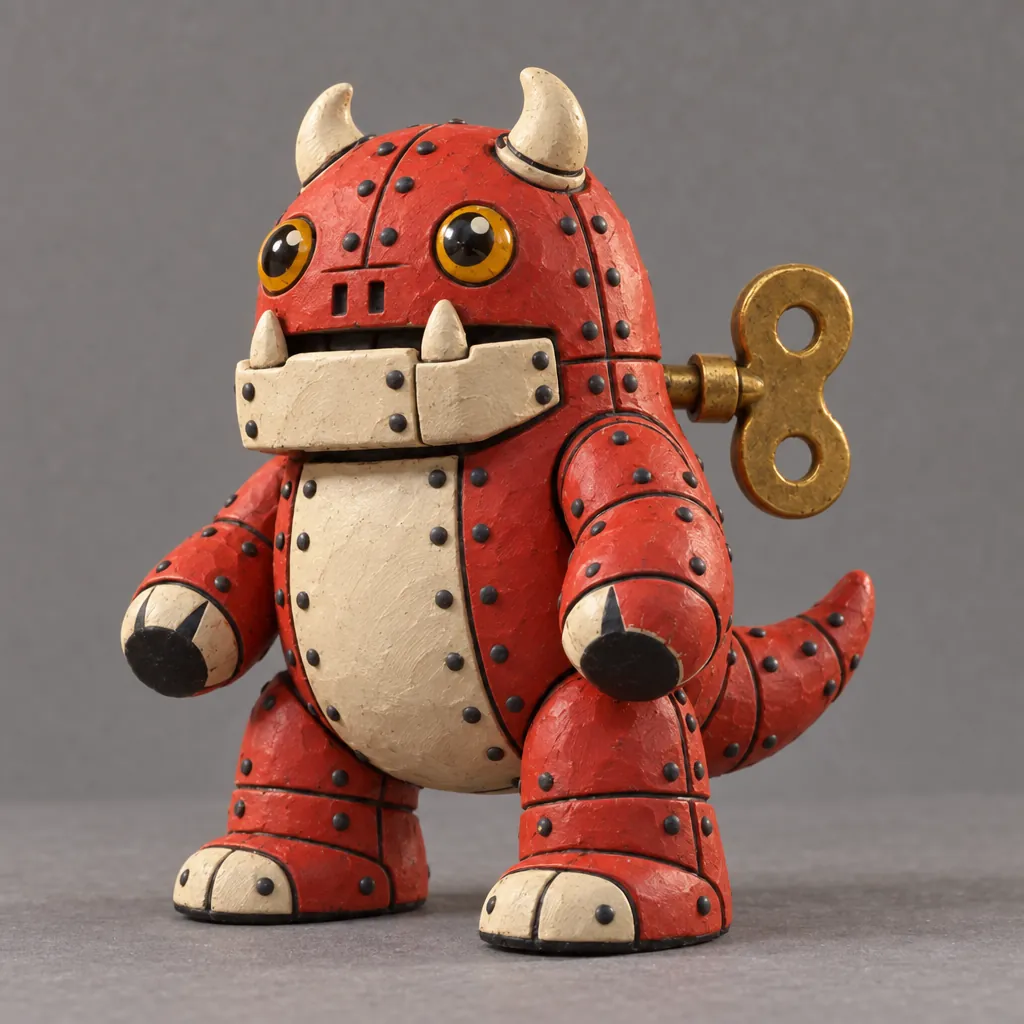

ReferenceThe still the run started from.Press Generate: the five takes land at the pace of the recorded run.
This page spends nothing and sends nothing. The chip is the run’s recorded total, rounded up to the cent as the desk rounds.
Awaiting replay
Made by Tin Kaiju, the studio behind Kiju, with the studio’s engine — the providers Kiju calls. You are replaying the studio’s run, not generating a new one.
How it works
Four truths
- DraftKept
The crew proposes. You decide.
Agents write the brief, the script and the shots. Everything they make is a draft until you keep it. They never approve their own work.
The price is on the button.
Every paid action says what it costs before you press it. Set a budget per project; Kiju refuses past it, and never spends without an estimate.
~/Kiju/Wind-Up City/Your channel is a folder.
No Kiju account, no Kiju server, no telemetry. Projects stay on your Mac, keys in the macOS keychain. Requests go only to the providers you choose — and Kiju shows what leaves, first.
- ApprovedRivet never speaks. A voice turned him into a cartoon.
- RetiredPixel-art episodes. At that size the key disappears.
- Sample channel « Wind-Up City » · fictional
The next episode remembers.
The rules you approve in the bible bind every episode after. The crew writes from them, and the continuity check reads each new script against them, citing the rule it relies on. A retired rule keeps its reason.
Five rooms
One desk, five rooms.
The same channel folder, read by five rooms. Each one opens on what you kept in the one before.
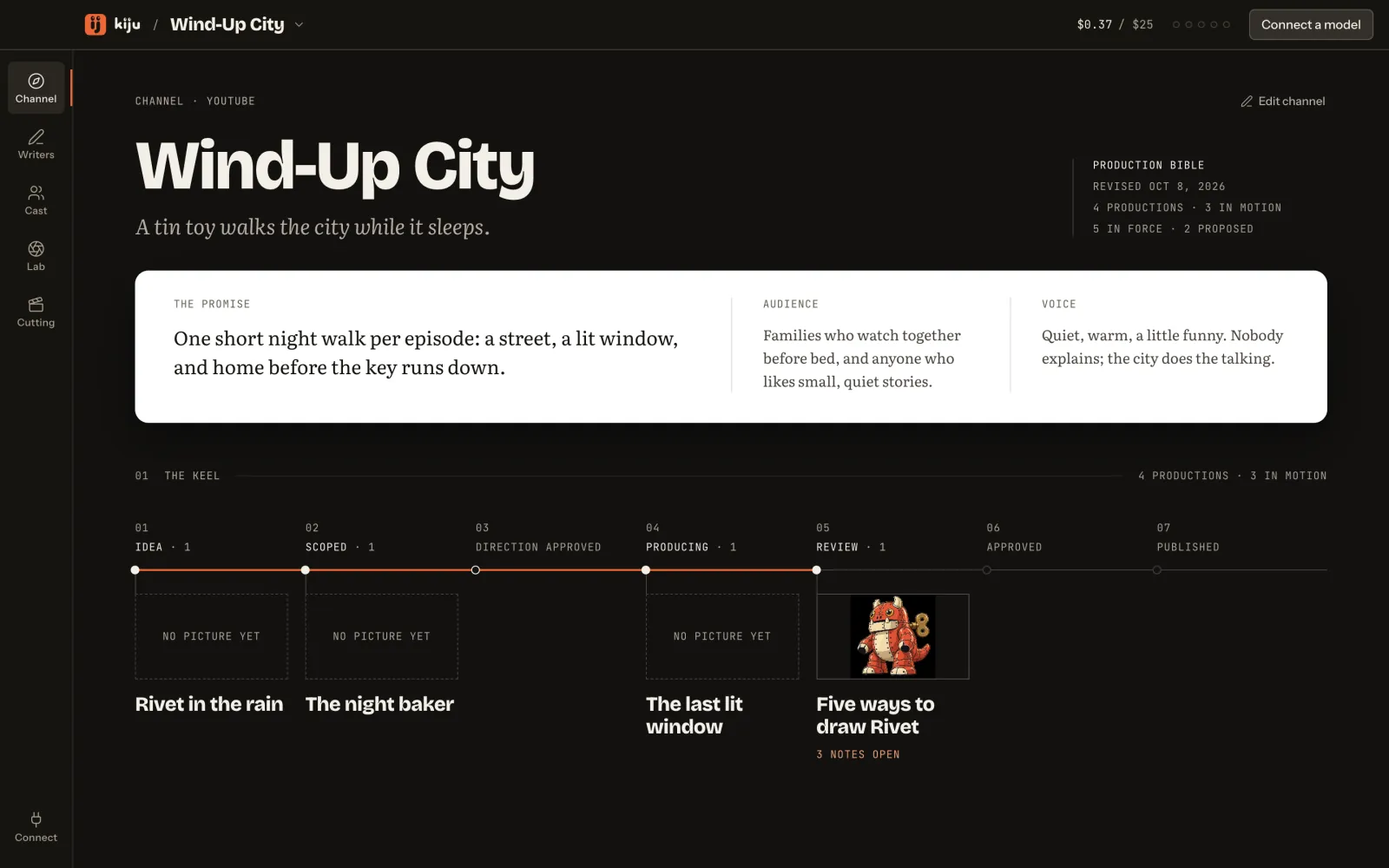
Channel
Audience, promise, voice — and the bible: what is approved, what is proposed, what was retired and why.
Tutorial: open a channel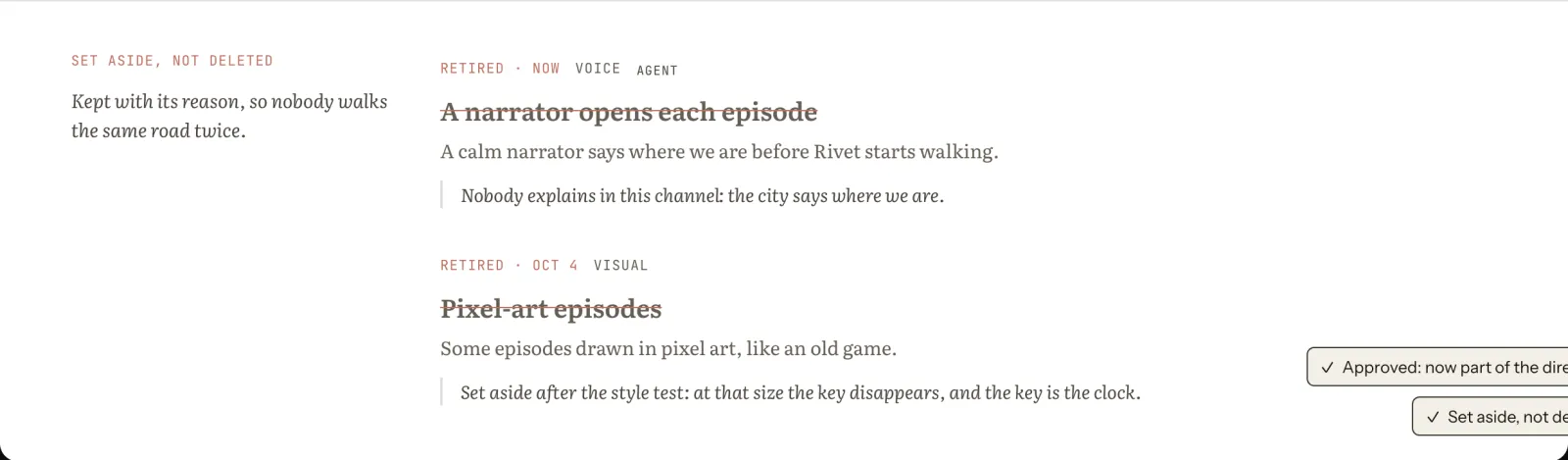
The bible: « Pixel-art episodes » set aside, with its reason kept · The desk, on a fictional sample channel Writers
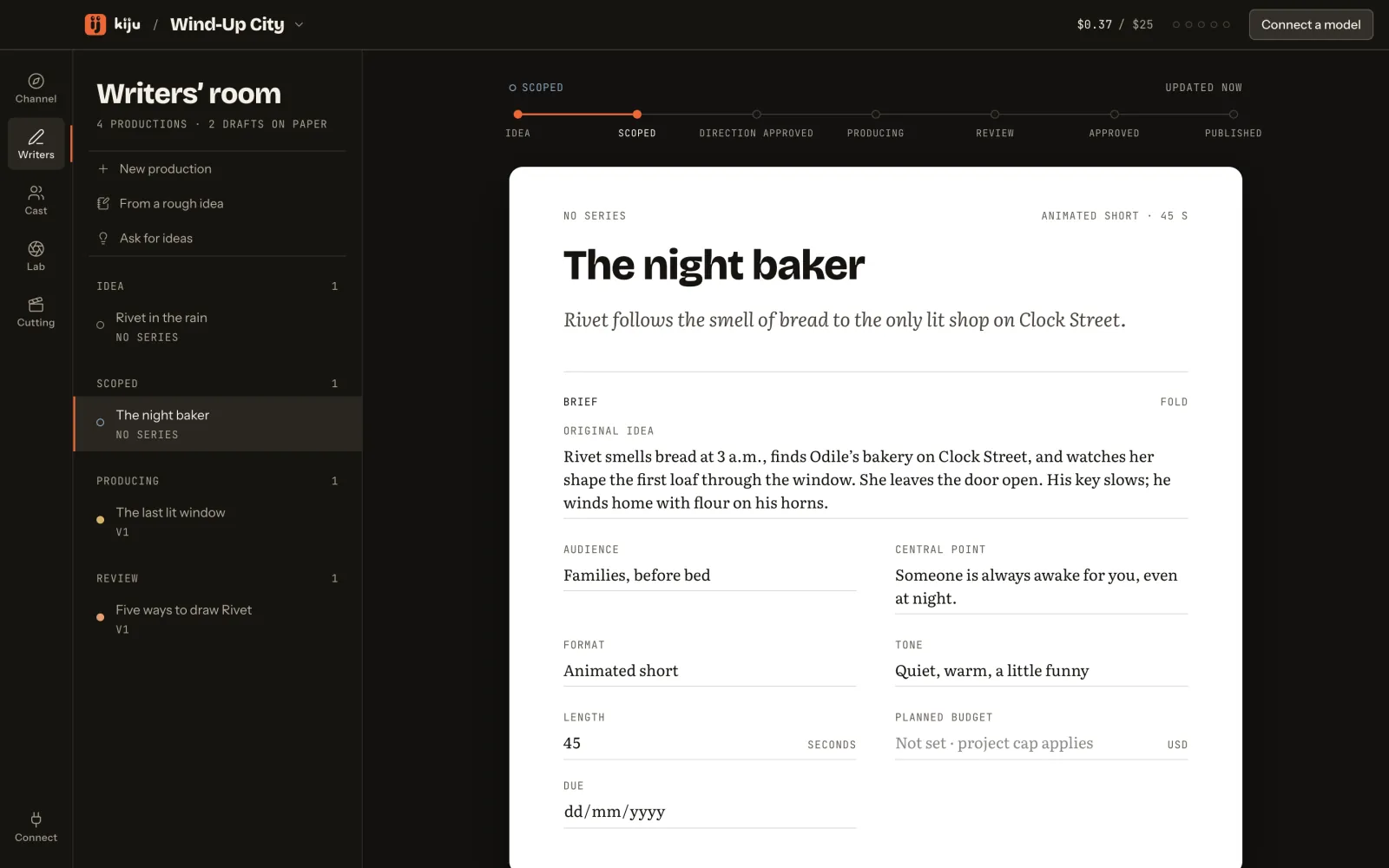
From an idea to a brief, a script you approve version by version, and the director’s shot list.
Tutorial: from a brief to a script
The writers’ row: Draft script and Check continuity, each with its price · The desk, on a fictional sample channel Cast
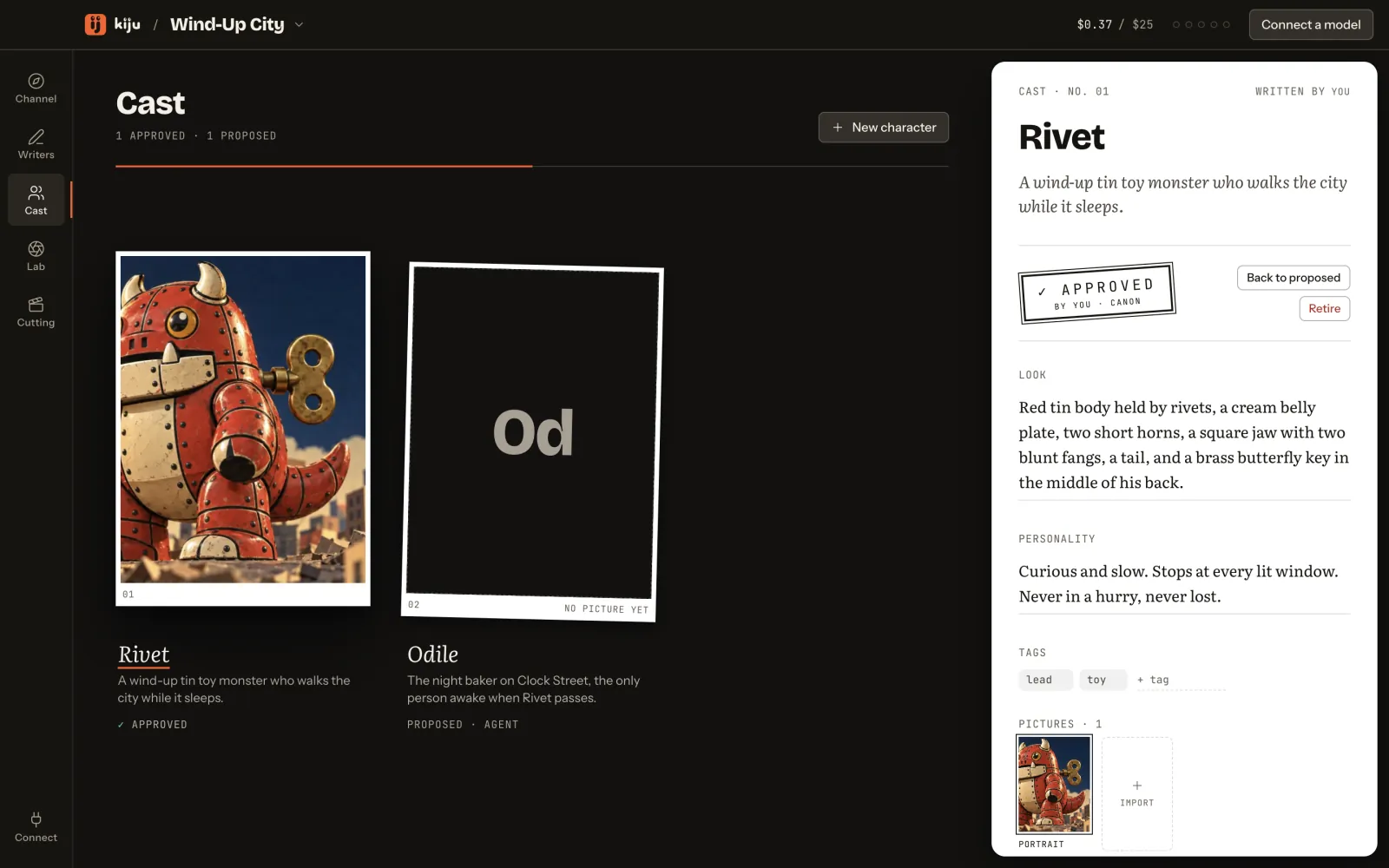
Recurring characters with a look and a voice. A real person’s face is a verified asset, never a photo.
Tutorial: a character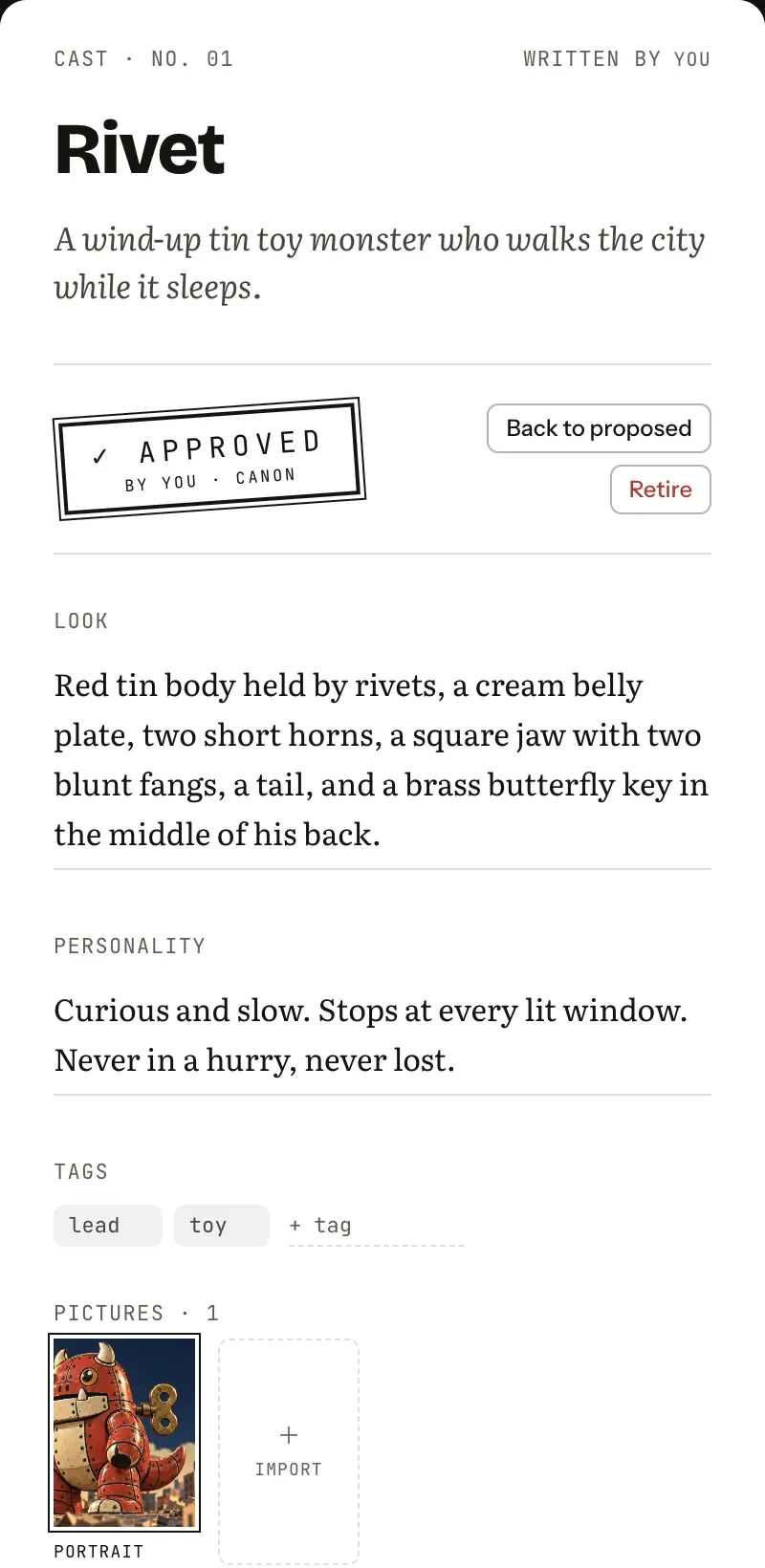
Rivet’s sheet: approved by you, canon · The desk, on a fictional sample channel Lab
Image, video and voice on your keys. The price on the button, what leaves the Mac said first, every take kept on disk.
Tutorial: compare and keep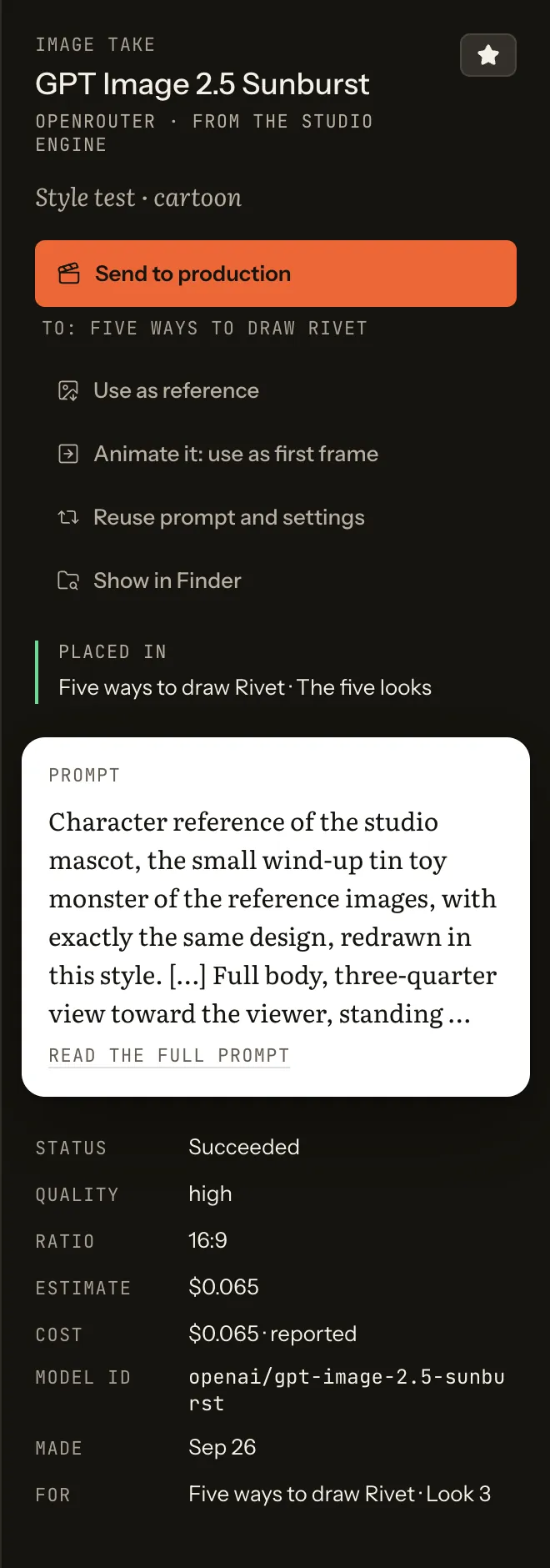
A take’s inspector: Send to production, use as reference, animate it · The desk, on a fictional sample channel Cutting
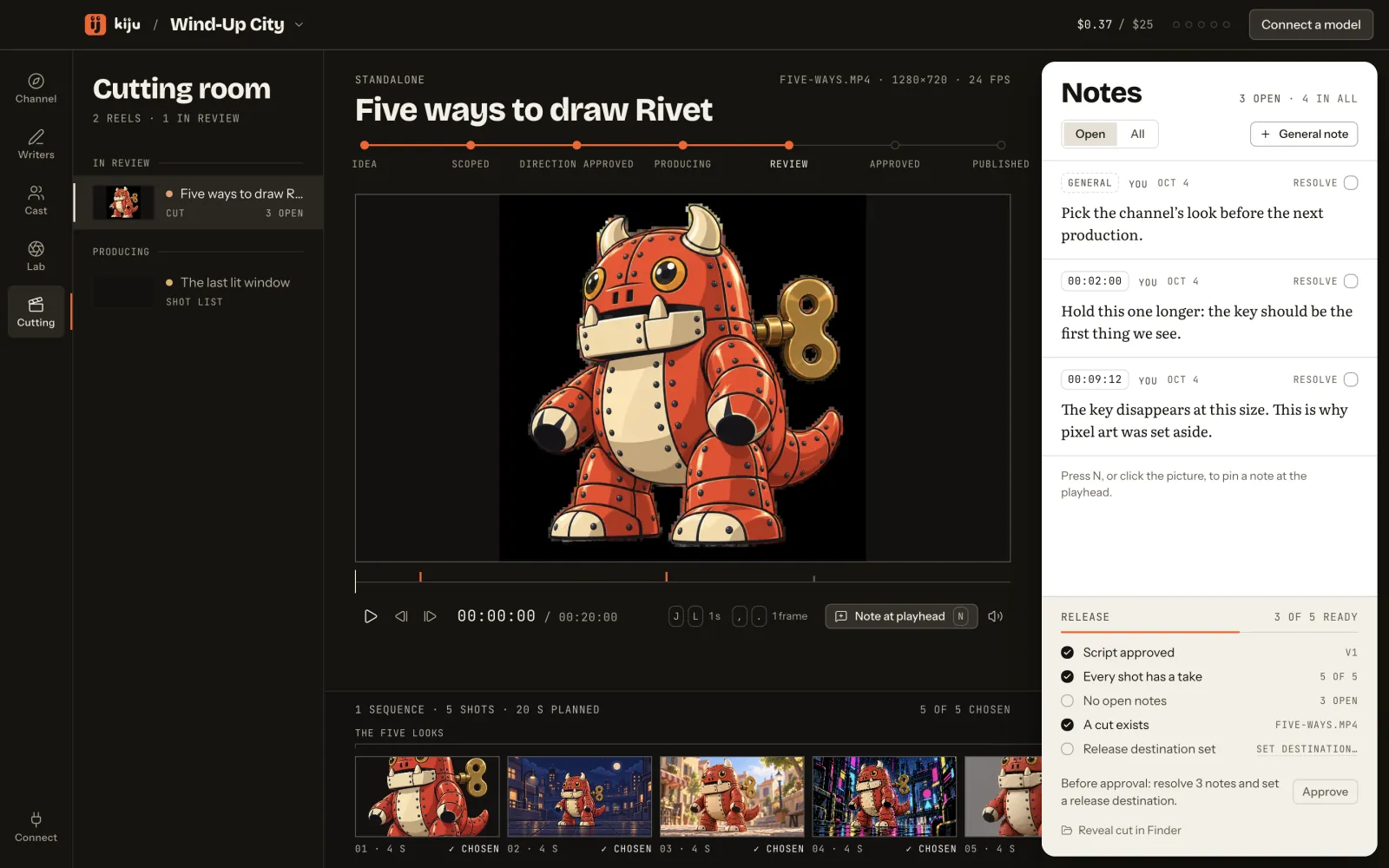
Frame-exact review, notes pinned to the time, a release list before anything goes out.
Tutorial: notes on the time
Notes pinned to the time, with their timecodes · The desk, on a fictional sample channel Try it
A note pinned to time
Drag the playhead, or use the arrow keys. The note stays on its frame.
By you · Note at 00:12:08Hold the frame a beat longer before the title.
Timecode/ 00:30:00
From the studio
Recorded runs, with the bill.
What Tin Kaiju, the studio behind Kiju, made with its engine — the takes, and what each one cost.
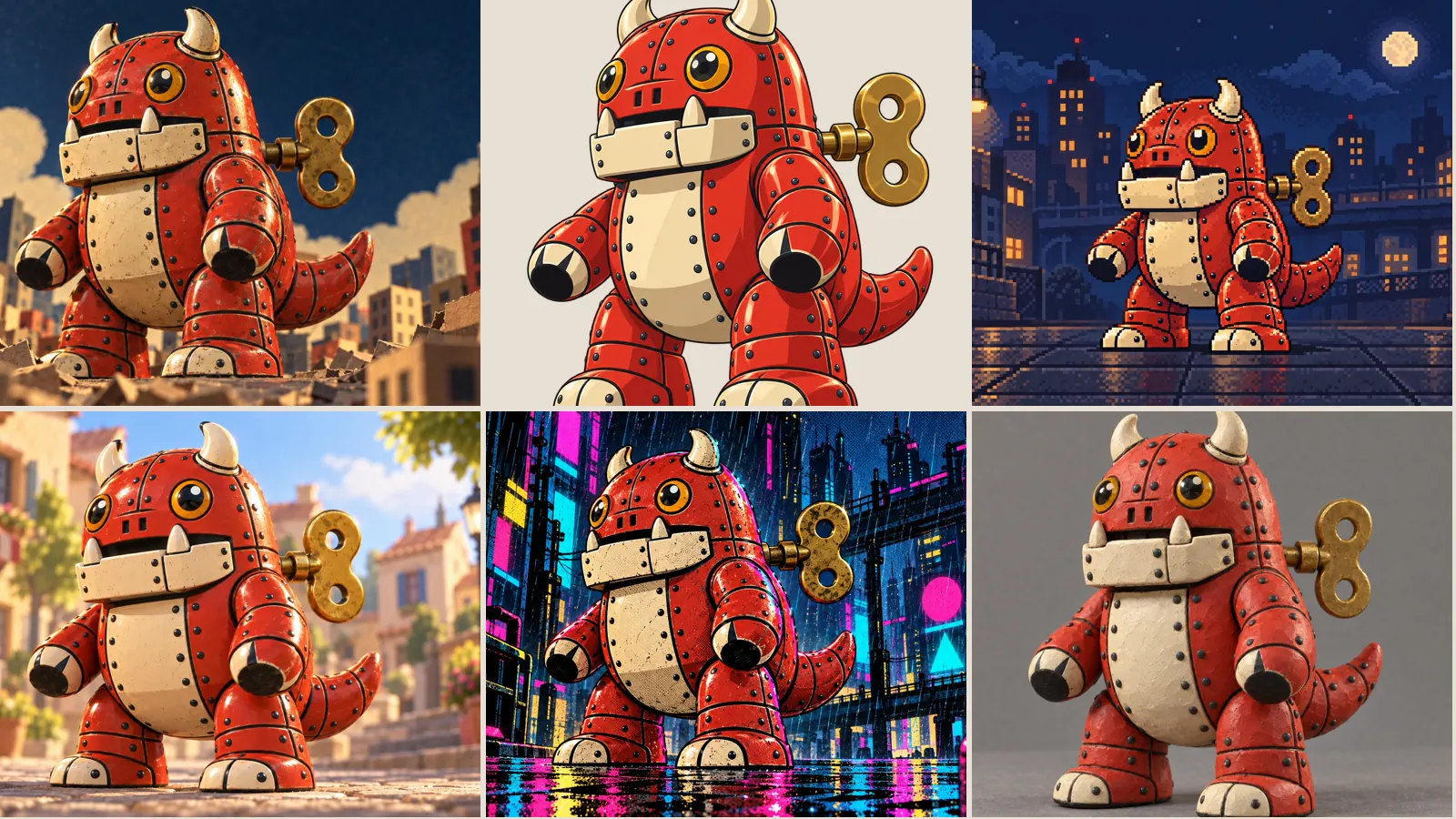
- One character, five stylesGPT Image 2.5 Sunburst$0.366455billed$0.37, the billed amount rounded up to the cent
- Seven video models, one anime frame, blindHailuo 3 Max +6$11.6849626billed$11.69, the billed amount rounded up to the cent
- What a 75-second pilot costHailuo 3 Max +3$12.120944billed$12.13, the billed amount rounded up to the cent
Research
A study
Big channels.Little monster.
Kiju is in private beta on macOS. Send us a line and we write back when there is a seat.
Opens a draft in your mail app. Nothing leaves until you press Send.