Kiju is here
An AI film crew for your Mac. It writes, draws, voices, films and cuts an episode. You make every call, and every price is on the button before you press it.
This is Kiju’s launch film, with the sound on:
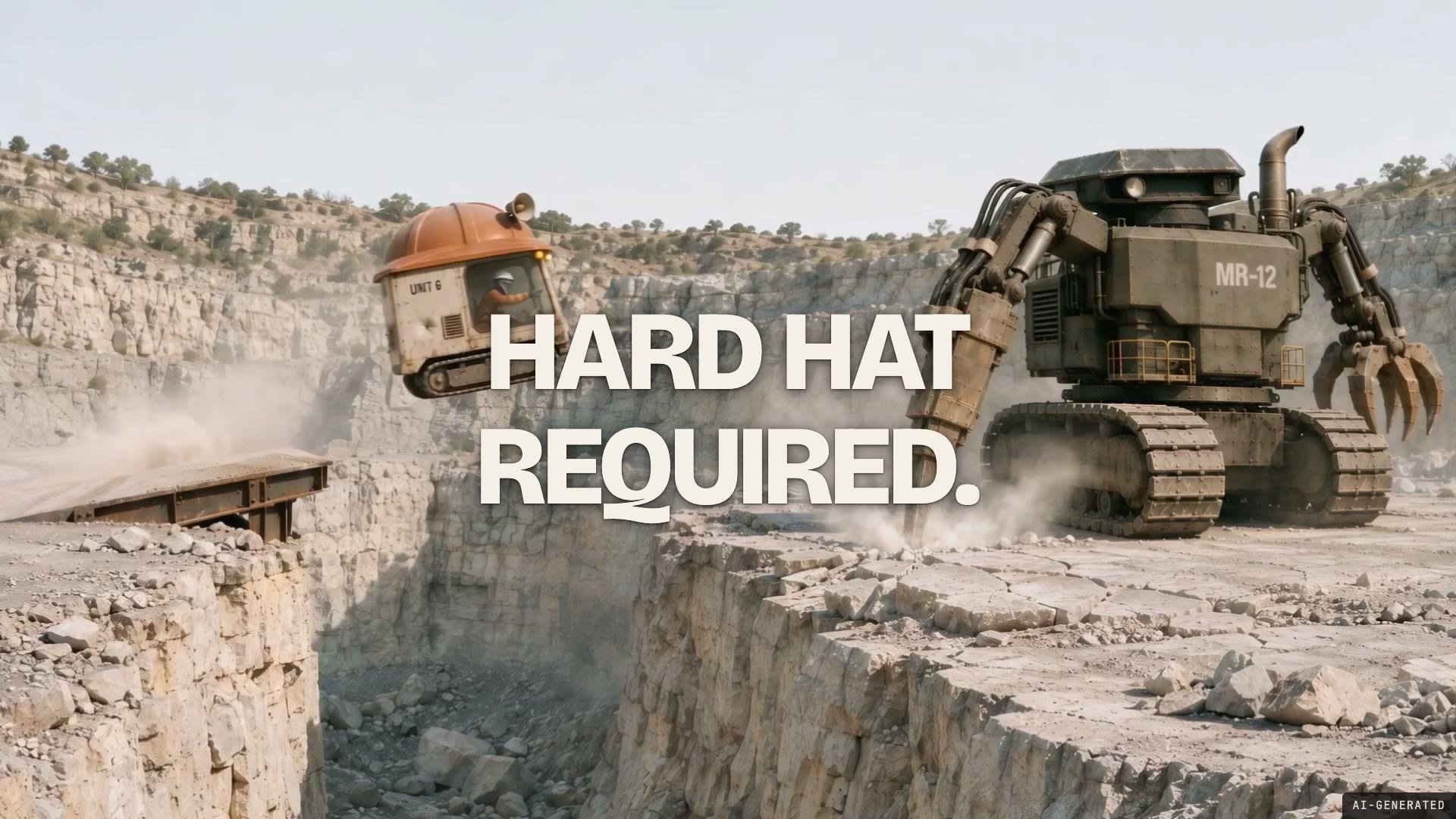
Fifty seconds: the desk at work with the prices it showed (replayed results, at OpenRouter’s prices), then Full Compliance, a one-minute comedy made in Kiju, and one of its shots in five looks. Pick a look in Kiju, or describe your own.
What it does
You bring an idea, or paste a script. Kiju’s crew does the work in four steps, and nothing moves on until you say so.
- Script. The crew writes the plan: scenes, shots, cast. In the film, the button said « up to $1.21 »; the plan cost $0.18.
- Board. A picture and a read for every shot, so you see and hear the episode before anything is filmed. The desk estimated a cent to voice a line.
- Film. Each shot is filmed from its picture. The price is on the button before you press it: « Film the other 14 at once · $16.55 ».
- Cut. Trim, speed up, lay the music under the words, then export the episode with its captions, a thumbnail and a project for your editor.
What making the film taught us
- Check every look for resemblance before you film it. We drew the same shot in five more of Kiju’s looks. Two of three AI reviewers, judging blind, said the anime one came too close to a famous studio’s house style, so it is not in the film. Kiju’s own preset drew it, so the preset is on our list to fix.
- Test cheap, then pay for quality. A four-second take cost us $0.41 at 480p without sound, and $3.07 at 1080p with sound. Full Compliance’s story was settled at 480p before a single 1080p take was paid for. That test ran outside Kiju, with the studio’s engine.
What it costs
Your first episode is free in Kiju, and so are the second one’s script and board. Filming episode 2, writing episode 3 or starting another show needs the subscription, €29 a month. Its 14-day trial asks for your card when it starts, and nothing is charged before day 15. The download page has the details.
The AI is billed separately, by your own AI accounts: OpenRouter, or others you connect, at their prices. There is no Kiju markup, and Kiju never sits between you and that bill.
What holds from the first day
- Your show is a folder on your Mac: records you can read, media you can open. Kiju keeps no copy of what you make.
- Your keys stay in the macOS keychain. Your AI requests go only to the accounts you connect.
- The price comes first. Every paid button shows its estimate, and once you film, Kiju refuses any press estimated to go over the episode’s ceiling.
- English and French, the whole app.
Where to start
- Download Kiju 0.11, for Macs with Apple silicon and macOS 13 or later.
- Five short tutorials make Full Compliance on the desk, step by step.
- Full Compliance plays whole, with how it was made.
- What it costs shows a first episode’s bill, take by take.
New versions, and the models that join Kiju, will be announced here, each with what we tried and what it cost.
The launch film is AI-generated: its images, video, voices and music.