Guide 3 of 8 · Writers · 6 steps
From a brief to a script you keep
A production starts as a brief. The writer drafts on paper, a draft stays a draft until you keep it, and only your approval makes a version the script.
- At the end
- A first version of the script, kept and approved by you, with the stamp on the page.
- Before you start
- A channel with an approved direction (guides 1 and 2).
- For the writer to draft: a writers’ model connected in Connect. Without one you can write the script yourself, as this guide does on the sample channel.
Start a production
The writers’ room keeps its productions on a shelf, by stage. There are three ways to start one:
- New production takes a title and a logline.
- From a rough idea lets the editorial assistant turn a few sentences into a brief, its price on the button.
- Ask for ideas brings proposals that fit the channel: Adopt the one you want, or leave them.
 (Open the full picture)
Read the brief
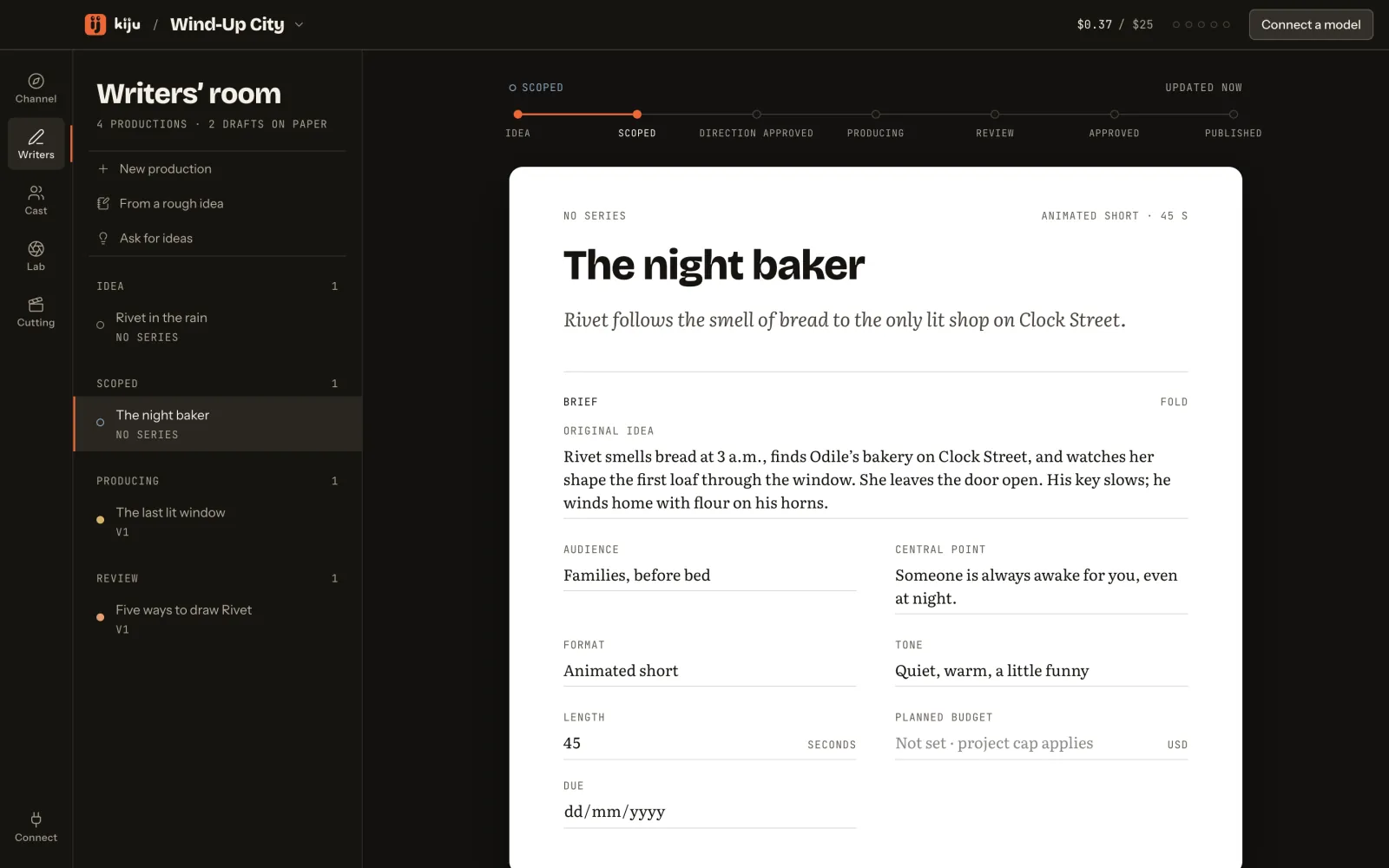
The brief is the production’s contract: your original idea, the audience, the central point, the format, the tone, the length, a planned budget and a due date.
The original idea is your own words, kept as written: the writer and the director read its names, times and places as facts they must not change. Every field is edited in place; Fold closes the brief.
Ask the writer, or write it yourself
Under the brief sits the writer’s desk: the writers’ model (the one chosen in Connect, which you can change here) and a line for direction. Draft script carries the most the run can cost, “up to”. Its hover title says what leaves your Mac: the brief, the approved bible and the cast, to that model’s provider.
 (Open the full picture)
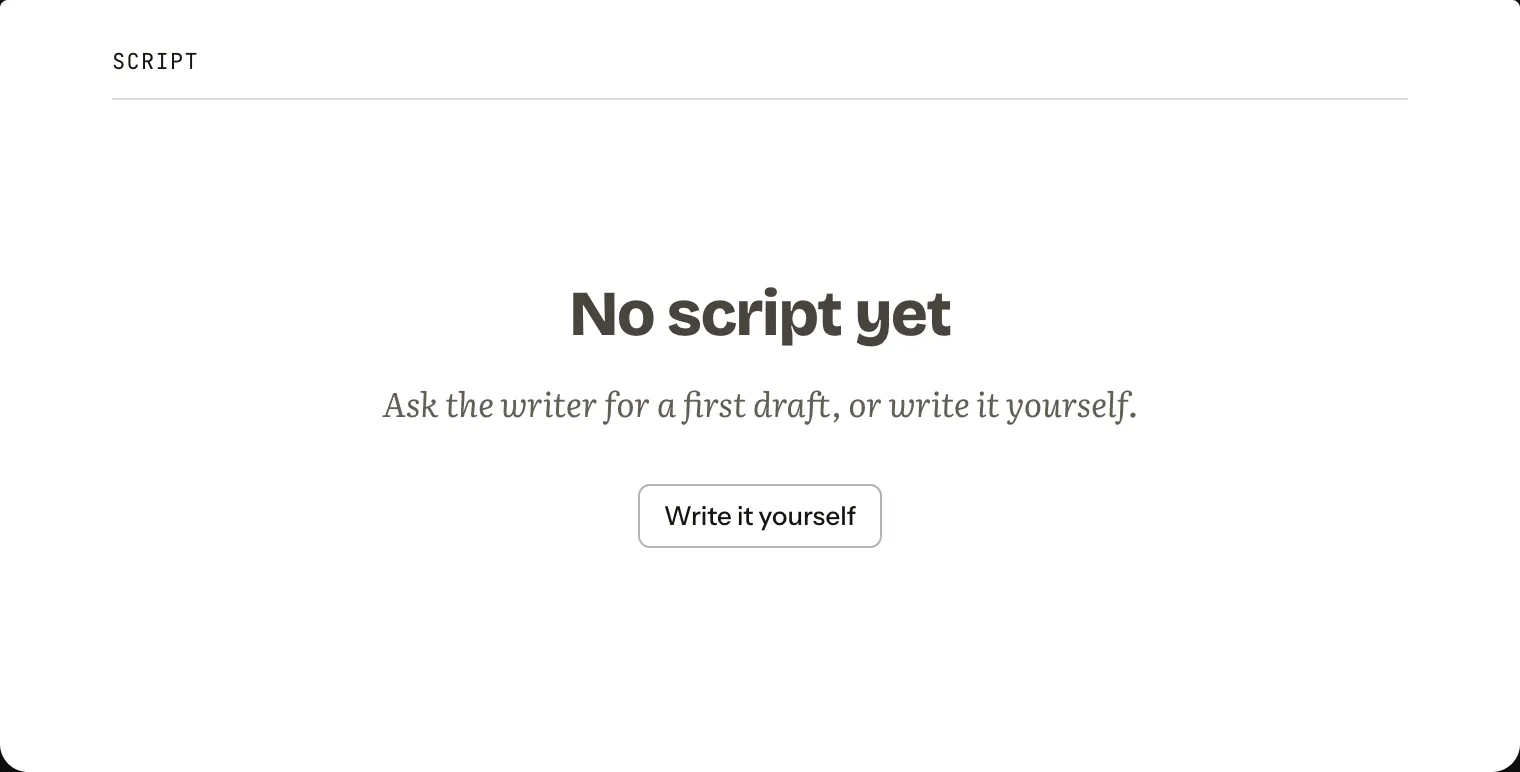
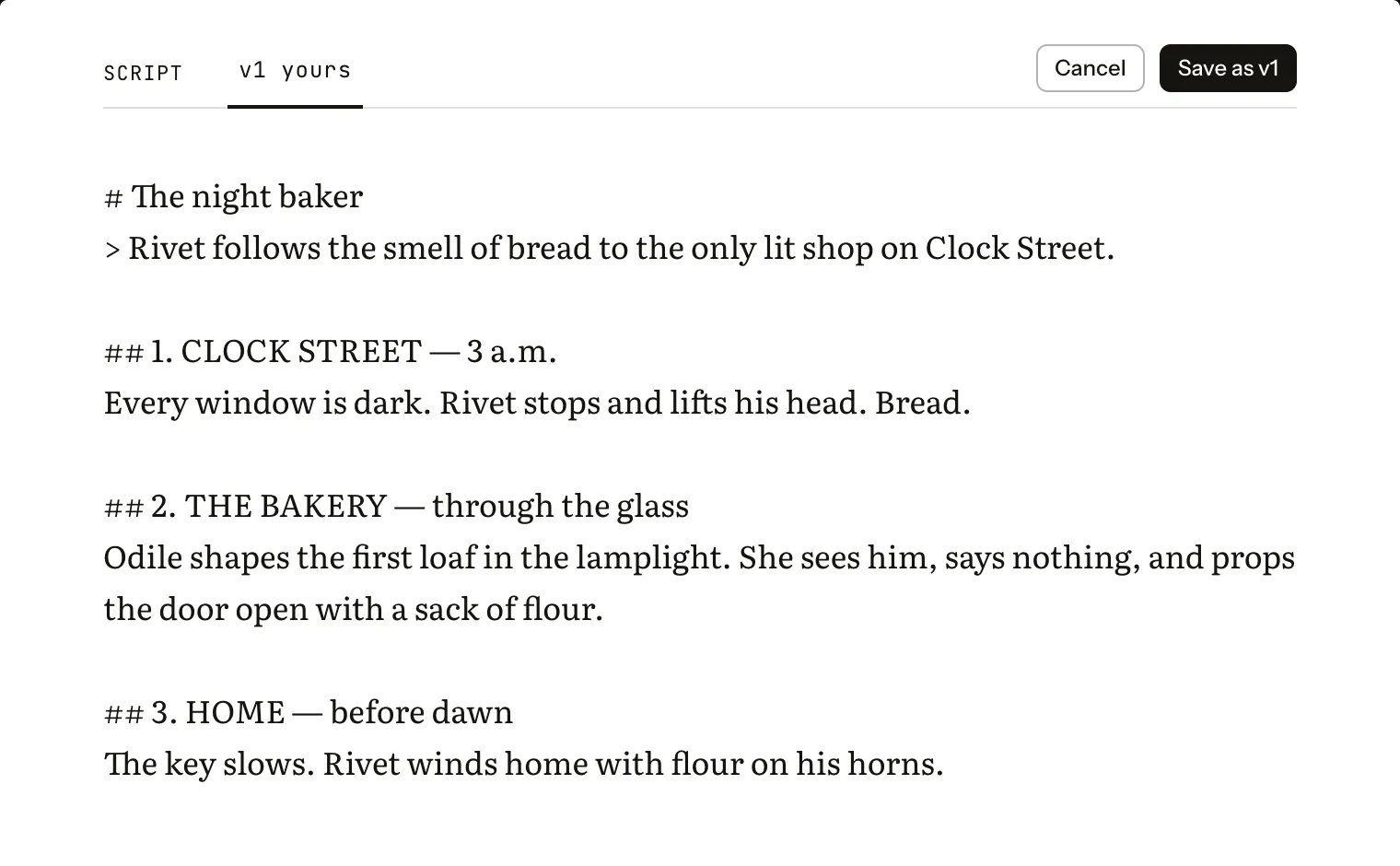
Pressing Draft script streams the draft onto the paper. With no model connected, or simply because you prefer, press Write it yourself on the empty sheet, write, then Save as v1.
 (Open the full picture)
 (Open the full picture)
Keep a draft, or discard it
A draft from the writer lands on the page marked as a draft, by the agent, with what it was asked and a reminder: not kept until you keep it. It is not a version yet. Read it, then Keep as v2 makes it one, or Discard drops it.
Here is that sheet on the sample channel, with a draft written for this guide:
Try it hereIllustration
Read the writer’s draft, keep it as v2, then approve it.
Draft · v2Agent
A new pass on v1. Not kept until you keep it.
1. CLOCK STREET — 3 a.m.
Every window on Clock Street is dark but one. Rivet stops under it and lifts his head. Warm bread, and the tick of his key.
Behaves like the desk’s control. This page saves nothing and sends nothing.
Approve the version
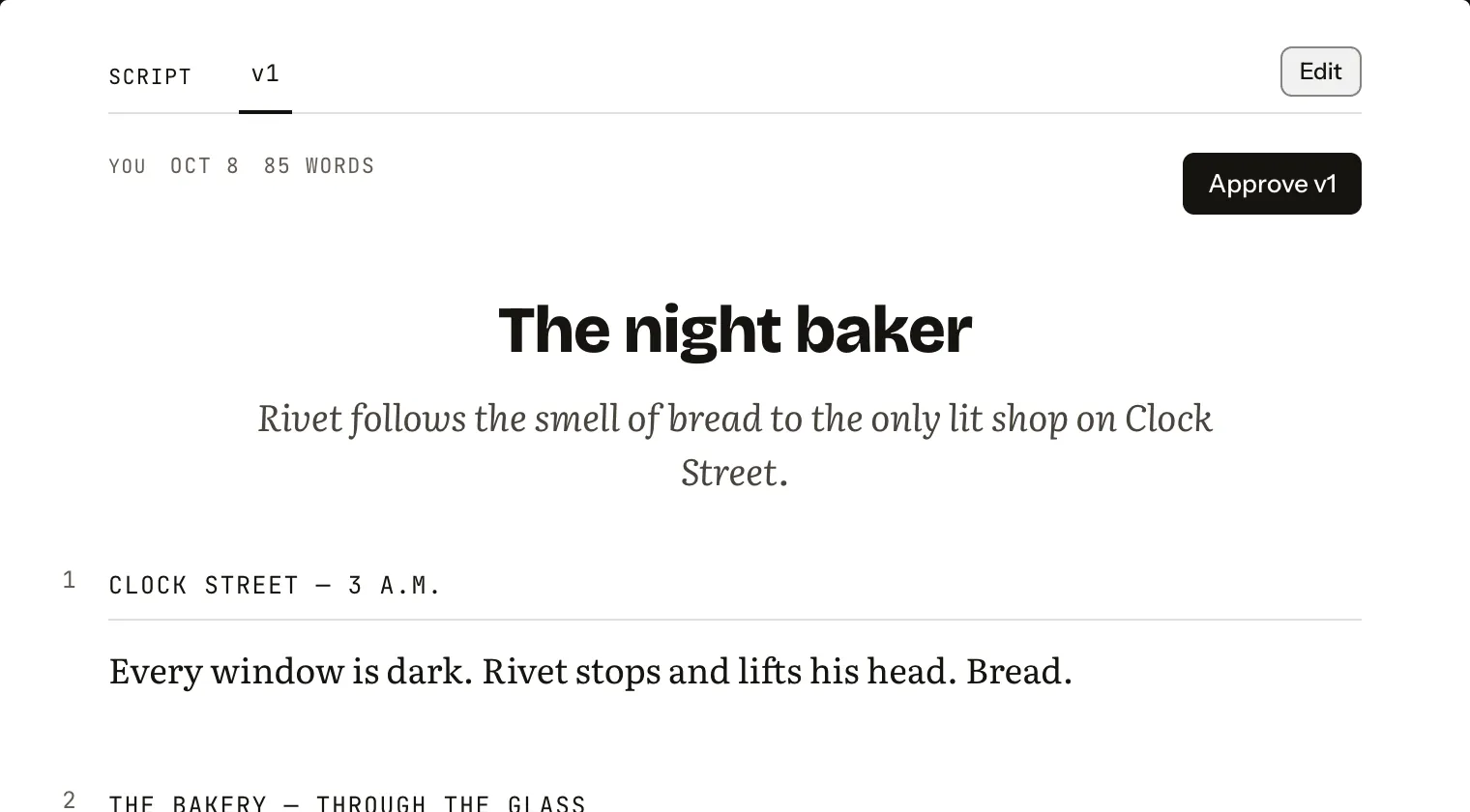
A kept version is part of the script’s history, not yet the script. On its page, press Approve v1.
 (Open the full picture)
The stamp lands, “Approved · v1 · by you”, the tab gets its tick, and the production moves to “Direction approved”.
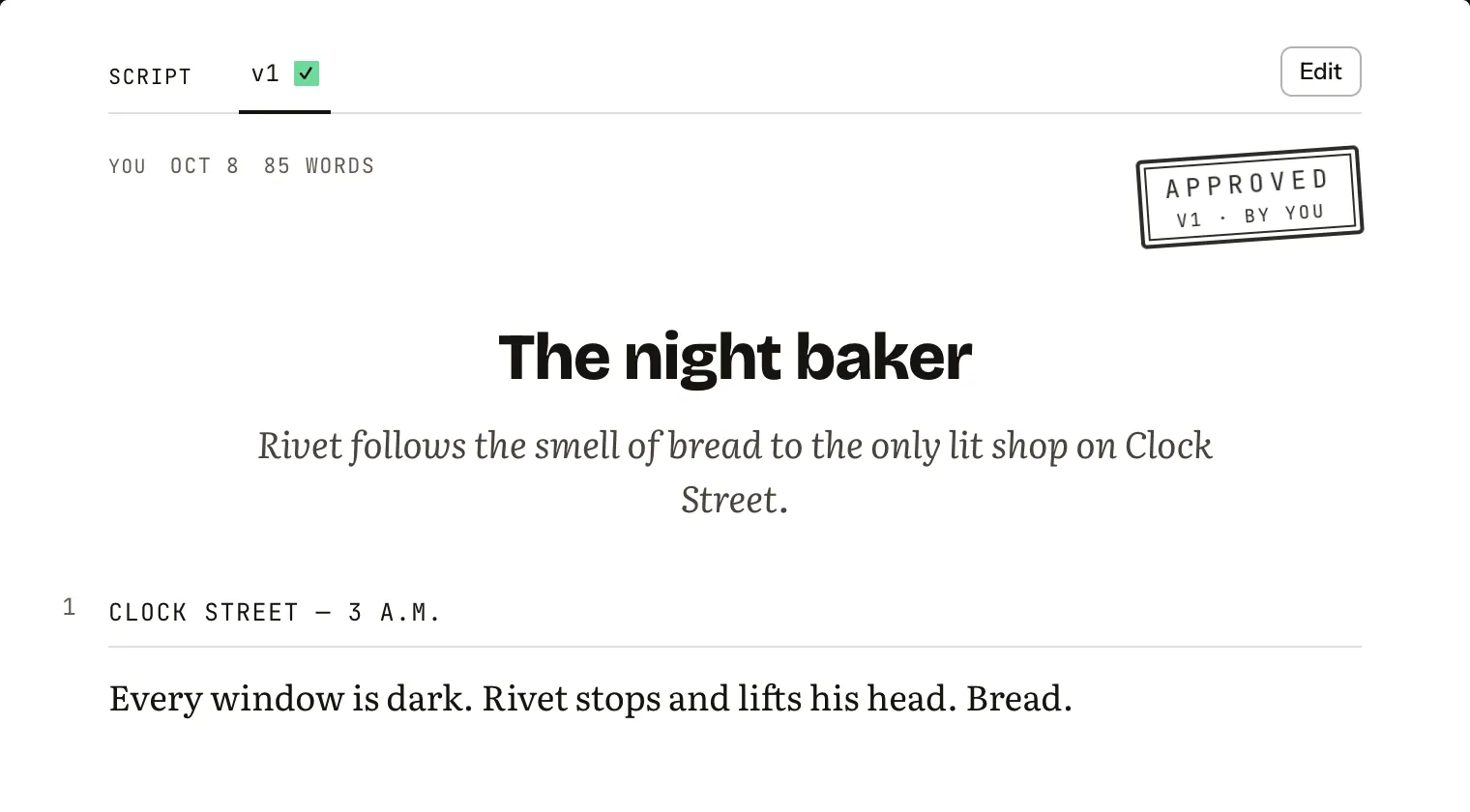 (Open the full picture)
To change it later, write what should change on the writer’s line and press Revise v1, or Edit it yourself. Each pass is a new version; the approved one keeps its stamp.
Hand it to the director
Further down, the director reads the approved version and proposes a shot list: press Break into shots, priced the same way. Its answer arrives as a proposed shot list; Adopt shot list or leave it. Every shot of an adopted list then has Shoot in Lab. Here is “The last lit window”, already broken into shots:
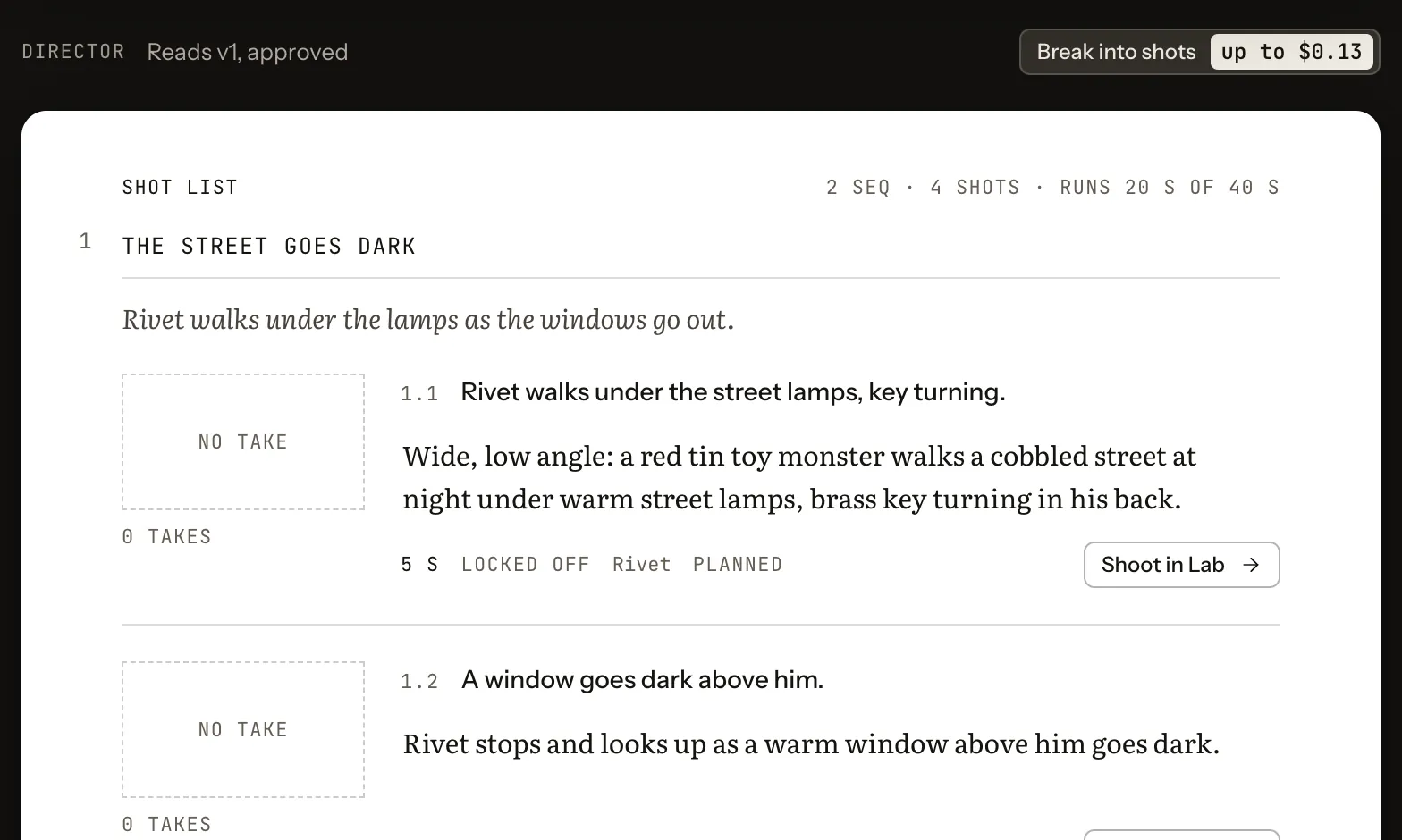 (Open the full picture)